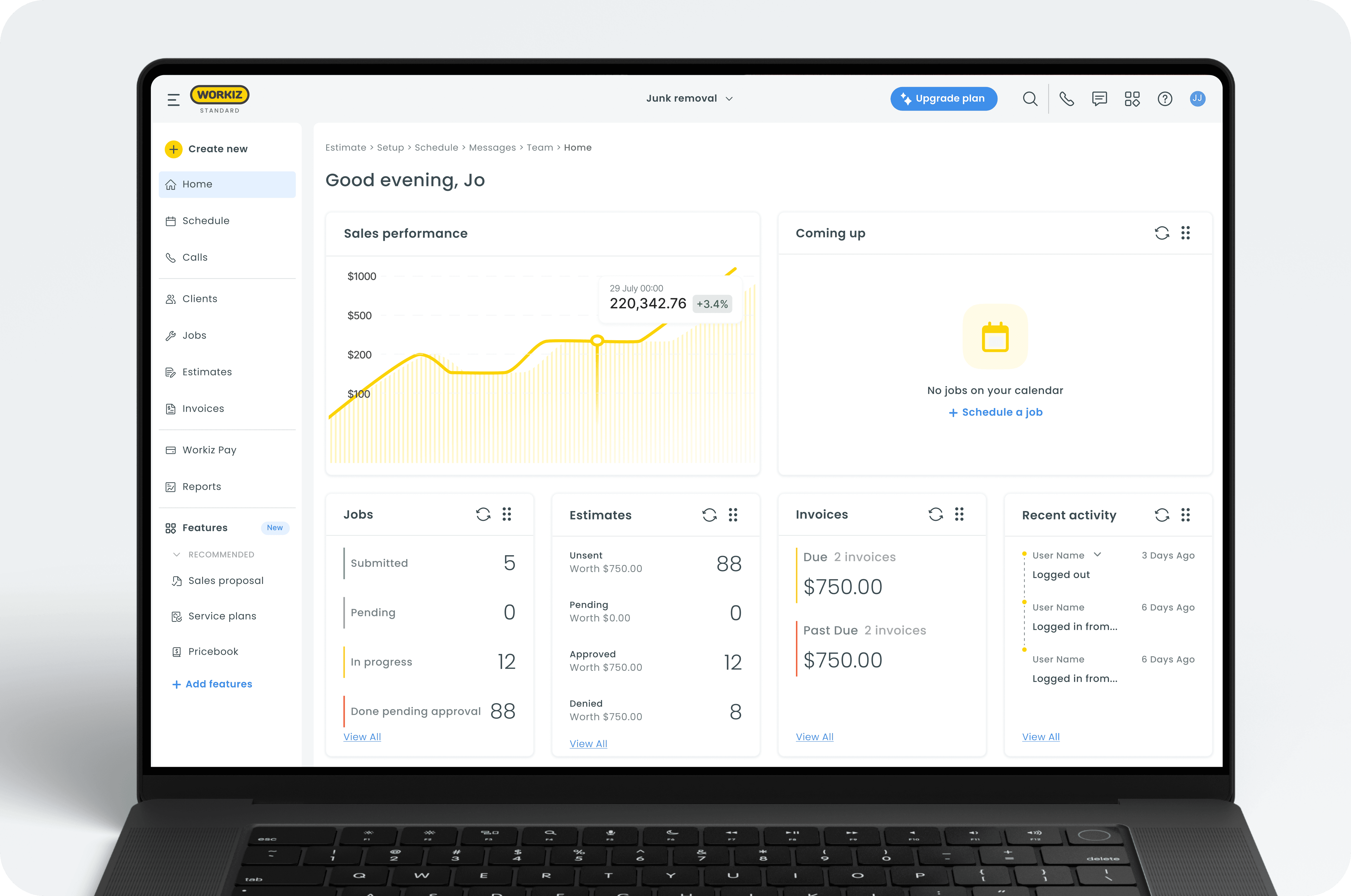
overview
introduction
Workiz is an all-in-one platform for managing home service businesses. It streamlines teams scheduling, payments, and job management in the field and back office.
In this project, we redesigned Workiz’s main navigation experience, optimizing the navbar, sidebar, and marketplace to improve discoverability and ease of use. We also introduced new capabilities, such as pinning features to the menu, and incorporated a more intuitive activation flow for features.
my role
As part of a small product design team of three, I contributed to defining and redesigning Workiz’s new navigation experience. I was responsible for creating the final UI design and proposed new capabilities like the “pin to menu” feature and the “try free for 14 days” concept, inspired by insights from our user interviews. Together with my teammates, I helped plan and conduct user interviews and usability tests to validate and refine the new experience.
problem
User interviews, support feedback, and product data all pointed to the same issue: These recurring pain points were impacting user experience, onboarding speed, and overall satisfaction.
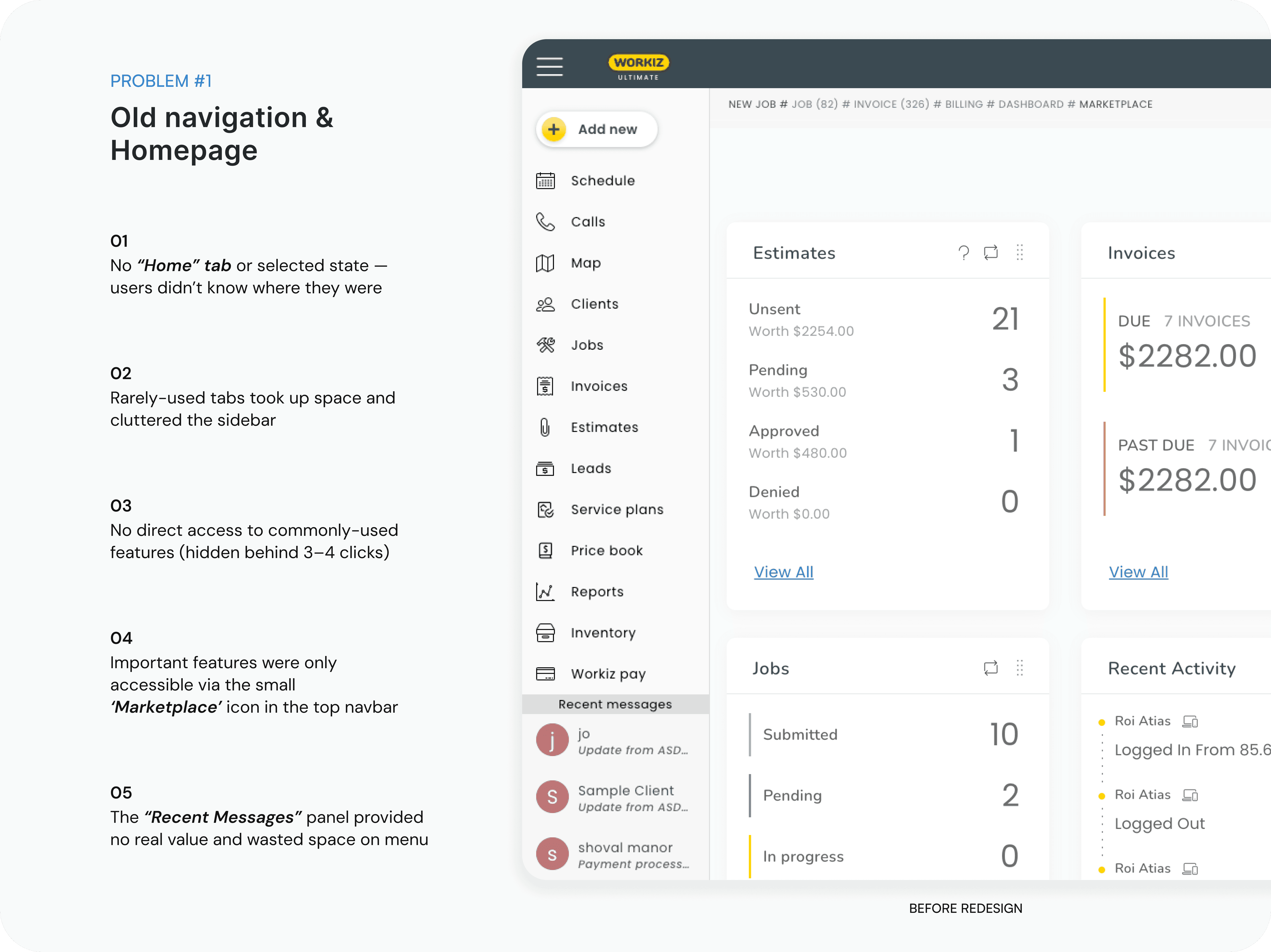
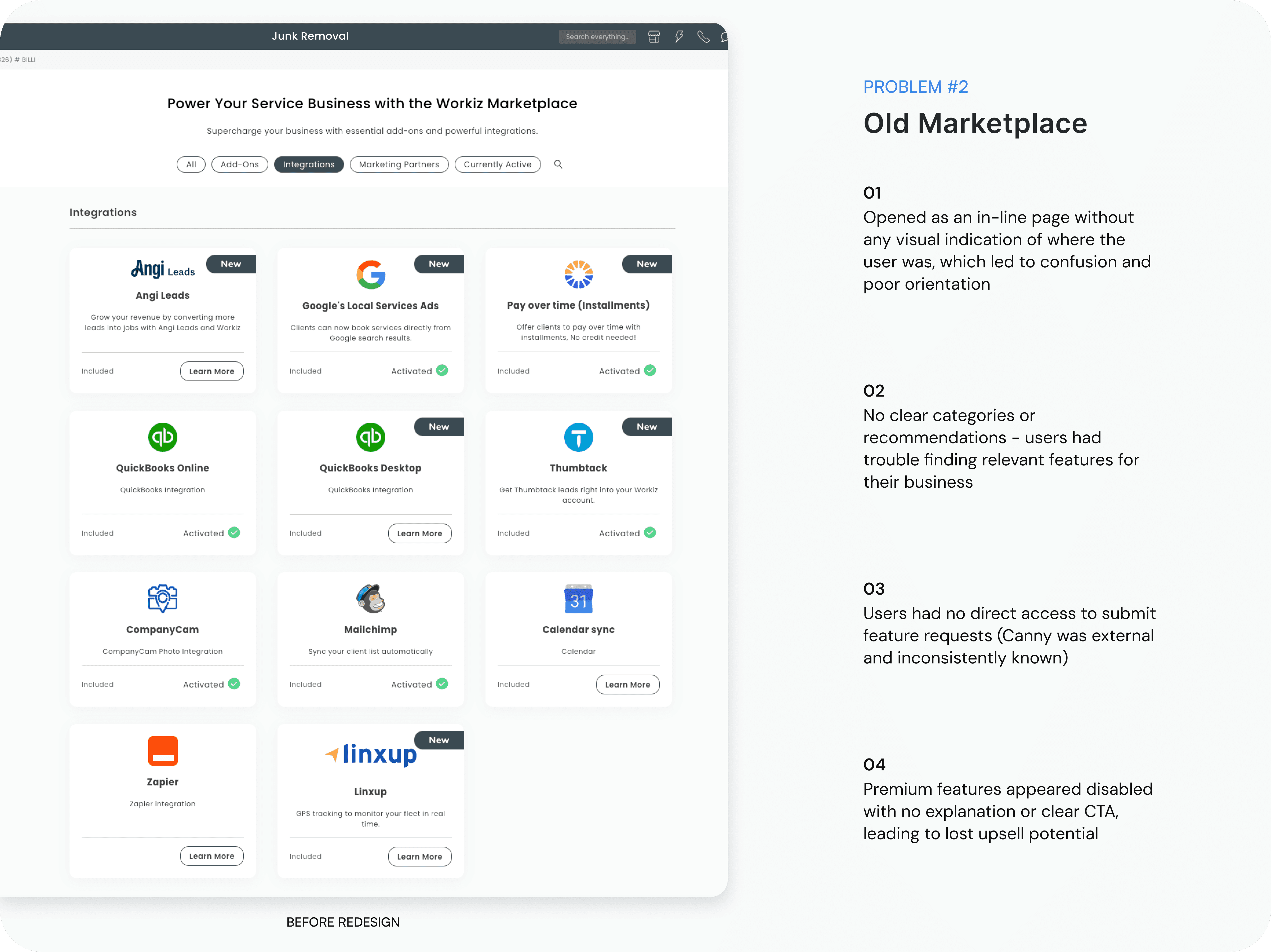
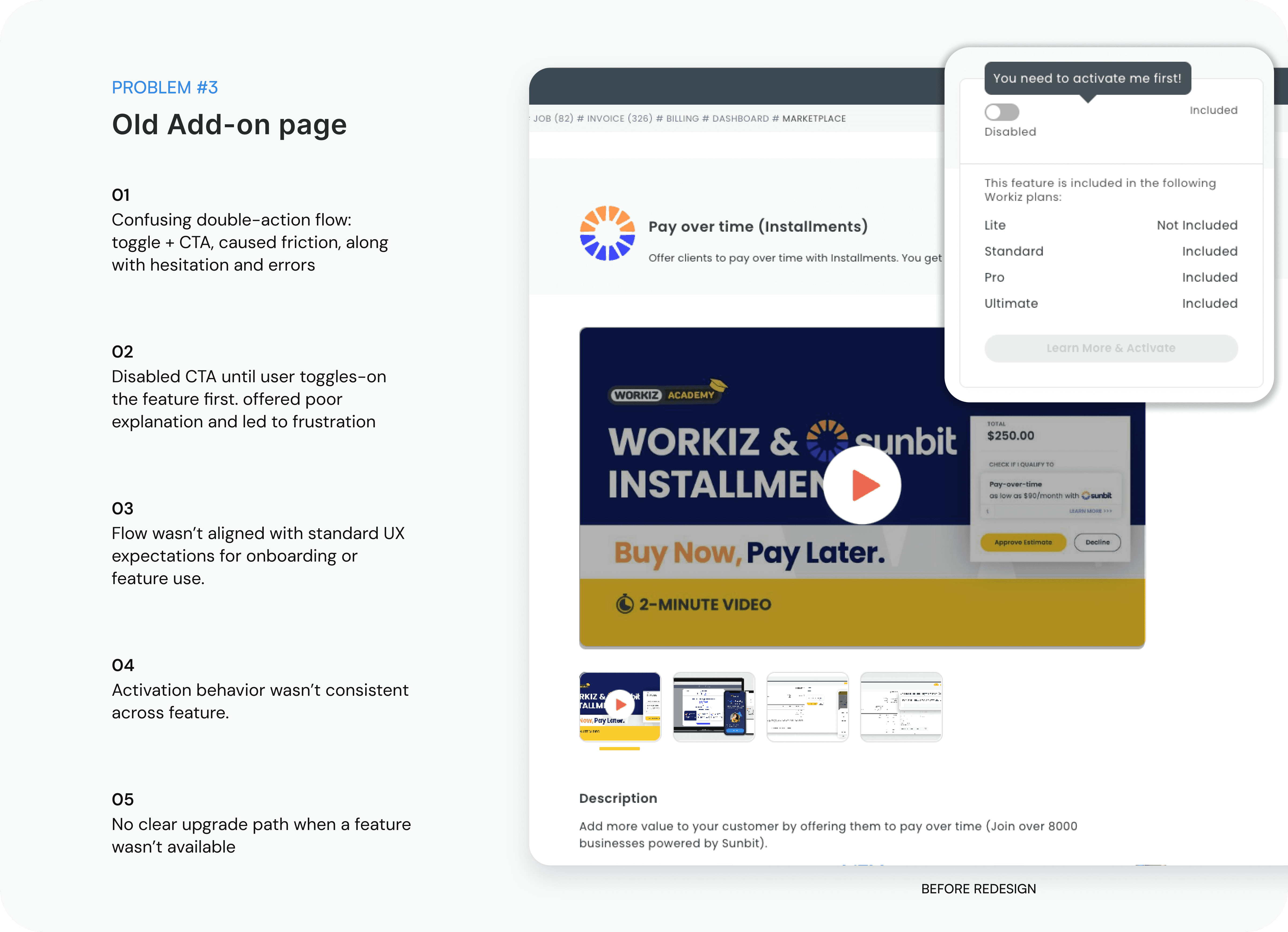
goals
user goals
Easily find and access features without getting lost in the interface.
Understand which features are available in their current plan and how to activate them.
Seamlessly explore new features without friction or extra steps.
Customize their workspace by pinning frequently used features for quicker access.
business goals
Improve feature discoverability and increase adoption of existing tools in the platform.
Encourage plan upgrades by creating clearer visibility into premium features.
Reduce support tickets and confusion related to feature activation and navigation.
Strengthen user engagement by promoting new and relevant capabilities directly within the platform.
process
user interviews
I conducted user interviews with business owners, admin managers, and dispatchers - the people who use the Workiz platform daily to manage jobs, estimates, and invoices. The goal was to understand their overall experience, uncover navigation pain points, and identify where they struggled to find key features or complete tasks efficiently. here are some key insights:
“I always need to ask support where to find things -it’s like features are hidden in random places.”
Many users expressed frustration with the system’s structure, saying key features felt buried and hard to locate without help.
“I just want a faster way to get to the tools I use on a daily basis.”
Users wanted quicker access to frequently used features, rather than clicking through multiple menus or tabs.
“The navigation doesn’t feel intuitive - I get lost trying to find what I need.”
The layout and flow of the platform caused confusion, especially for new users unfamiliar with the system.
market research
To better understand navigation best practices, I conducted market research into both direct competitors (like Jobber, Housecall Pro, and ServiceTitan) and broader SaaS platforms (such as HubSpot, Monday, and Salesforce).
I explored how they structure their navigation, where commonly-used features are placed, and how they encourage discoverability. I also reviewed various Feature Center and Marketplace experiences to learn how products handle activation flows, personalization, and quick access tools like pinning or favoriting features. here are some key insights:


Consistent placement of core features
Feature Centers are evolving
Personalization boosts engagement
Jobs To Be Done: Understanding the User
To make sure our navigation revamp truly served users' real-world needs, we used the “Jobs-to-Be- Done” methodology. Instead of just mapping features to roles, we focused on what users are trying to achieve - and what stands in their way.
“When I log into Workiz, I want to quickly jump into my day-to-day tools, so I can save time and avoid digging through menus.”

“When I get stuck or can’t find something, I want to solve it myself without waiting for support.”

“When I’m setting up the system, I want to easily discover useful features, so I can customize Workiz to fit my business.”

“When training new team members, I want the system to be easy to explain and navigate, so they can get up to speed without constant guidance.”

design
redesign #1
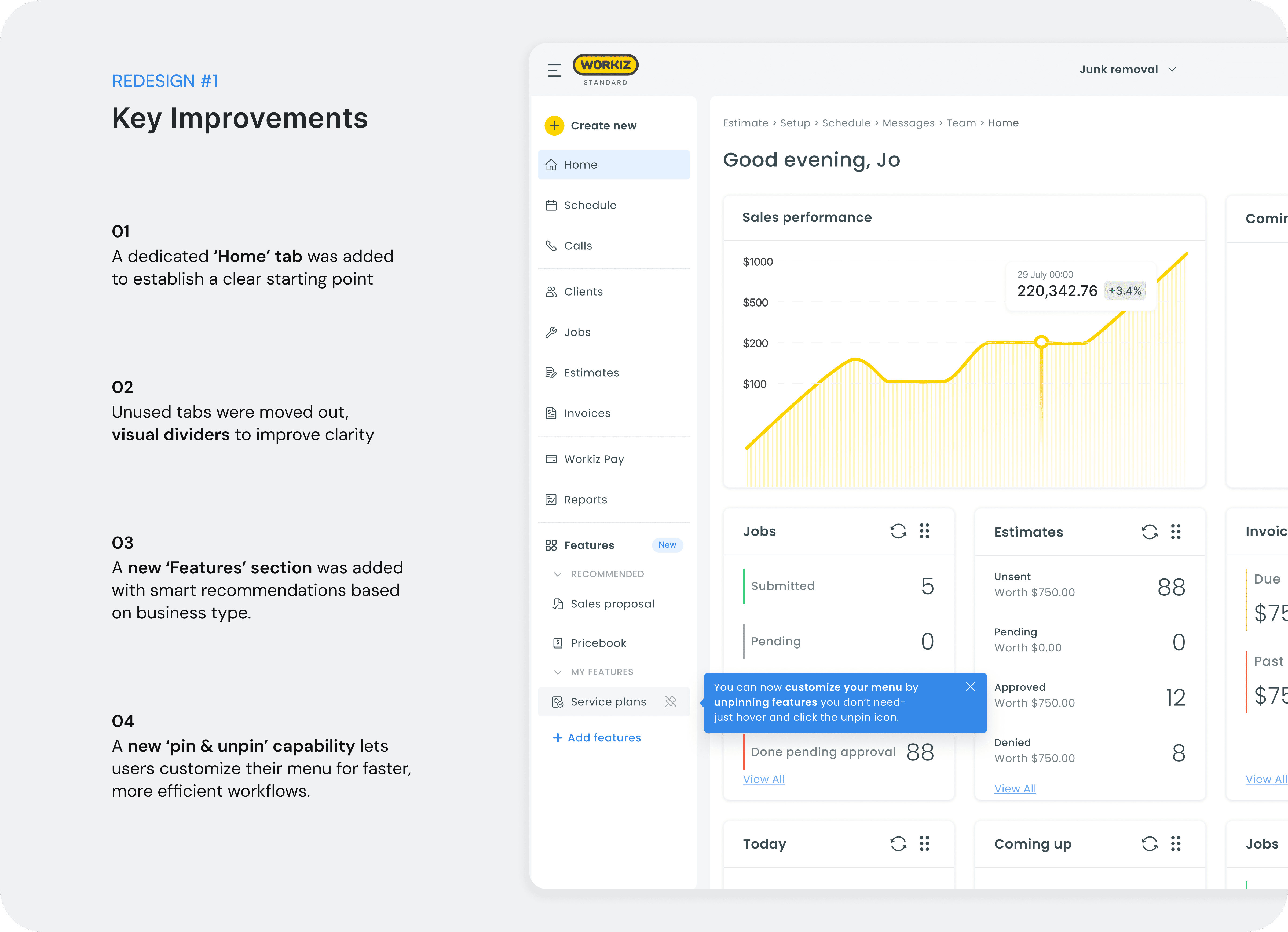
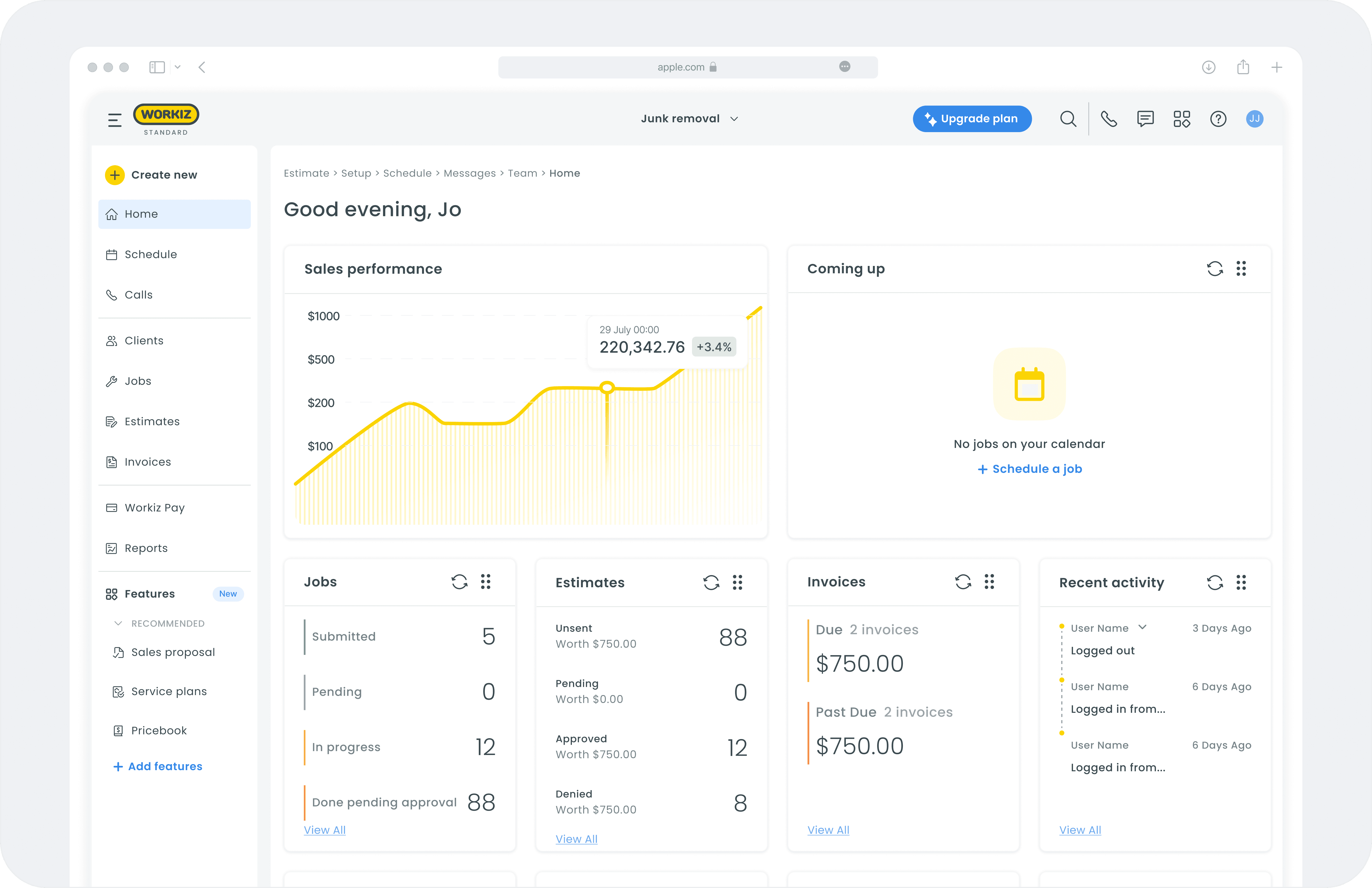
New Homepage, UI, improved navigation
The redesigned homepage brings together personalization, clarity, and accessibility. We introduced a cleaner visual hierarchy, added page titles for all sections, and created a more intuitive navigation system- making it easier for users to orient themselves and access their most-used tools from one place.
redesign #2
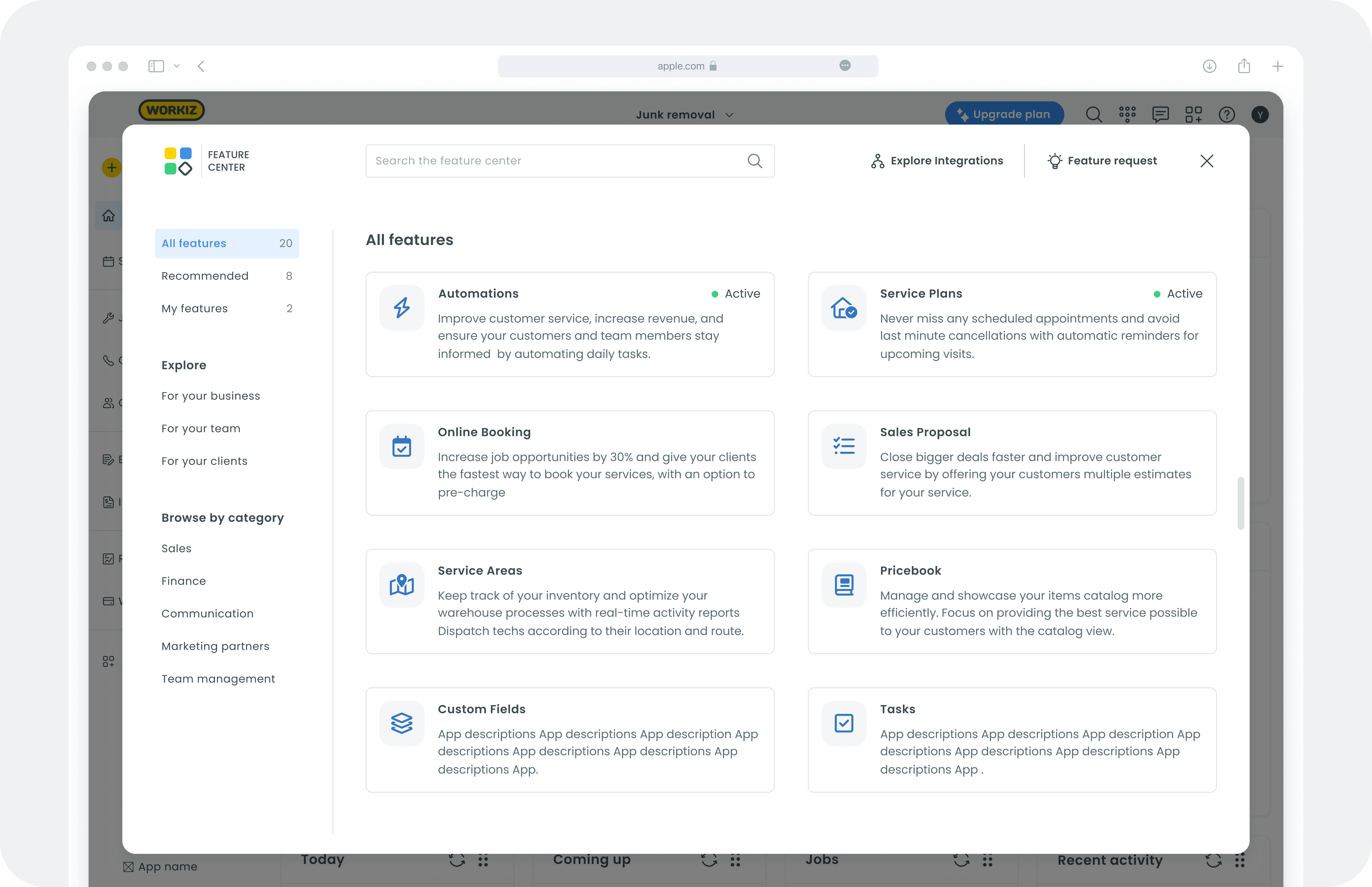
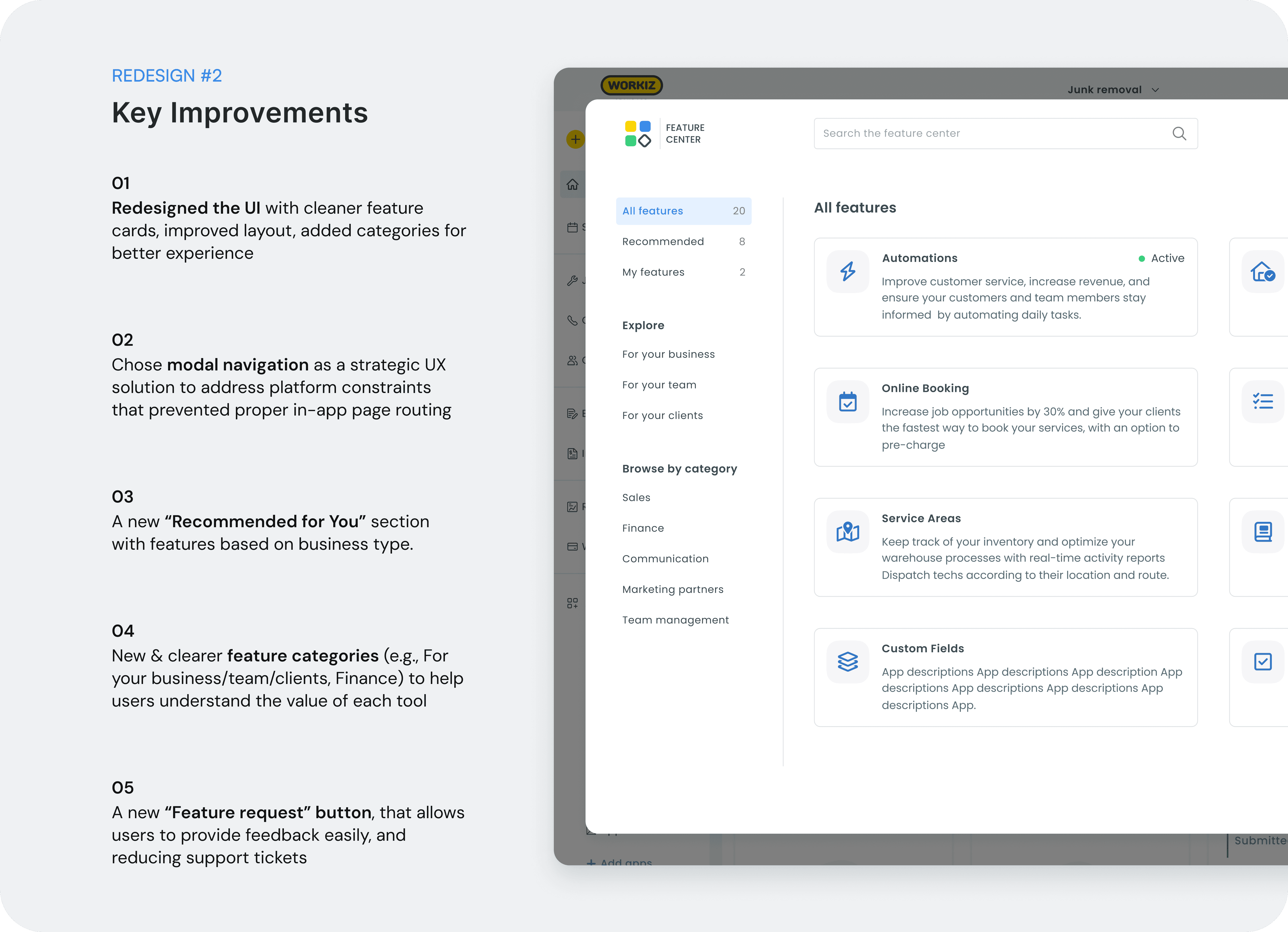
New Feature Center
The new Feature Center replaces the outdated Marketplace with a structured, user-friendly experience. It simplifies feature discovery through clearer categorization, integrated search, and new sections like “Recommended for You” and “My Features,” empowering users to find, activate, and learn about tools relevant to their business.
redesign #3
New Feature page
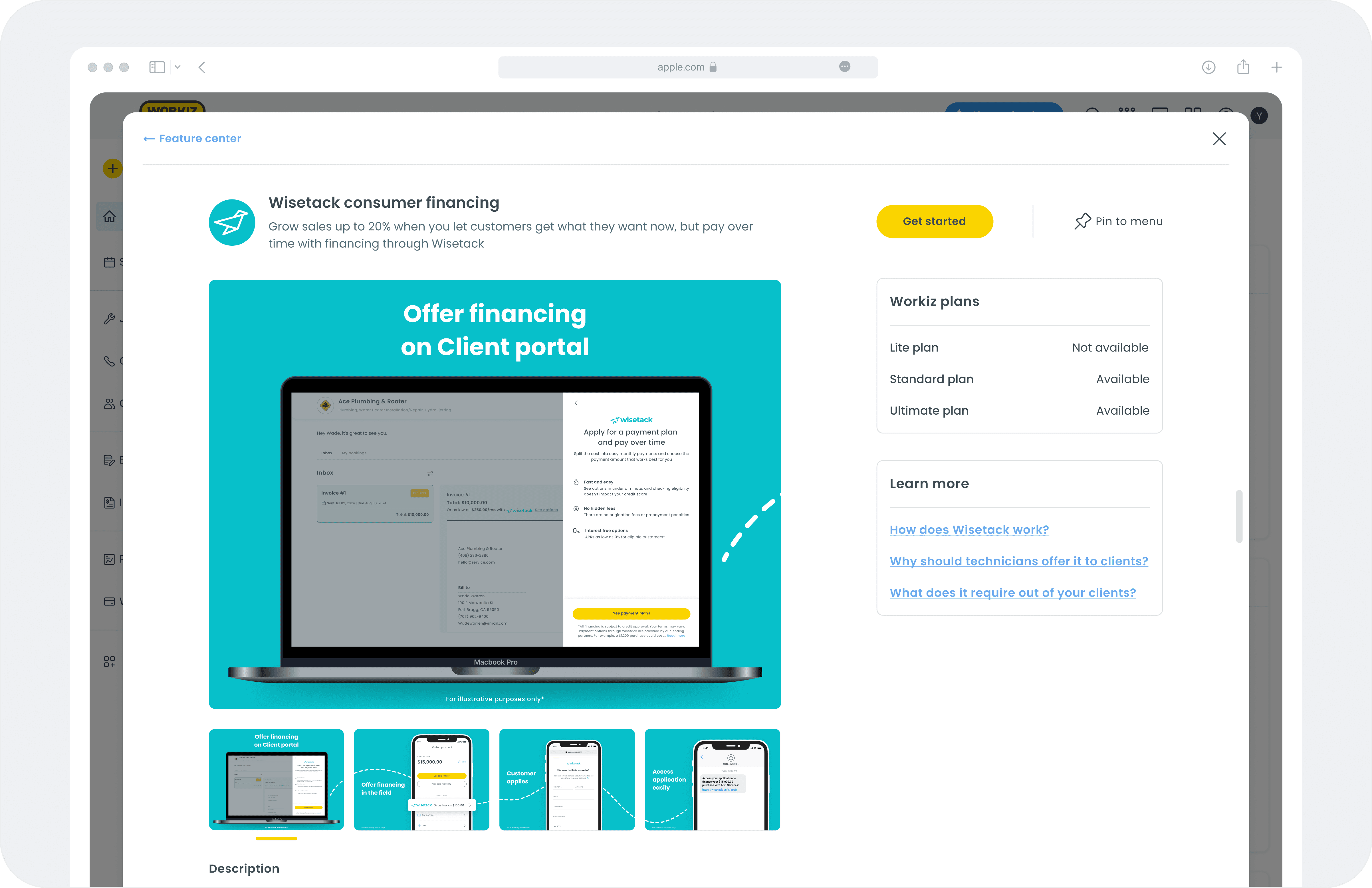
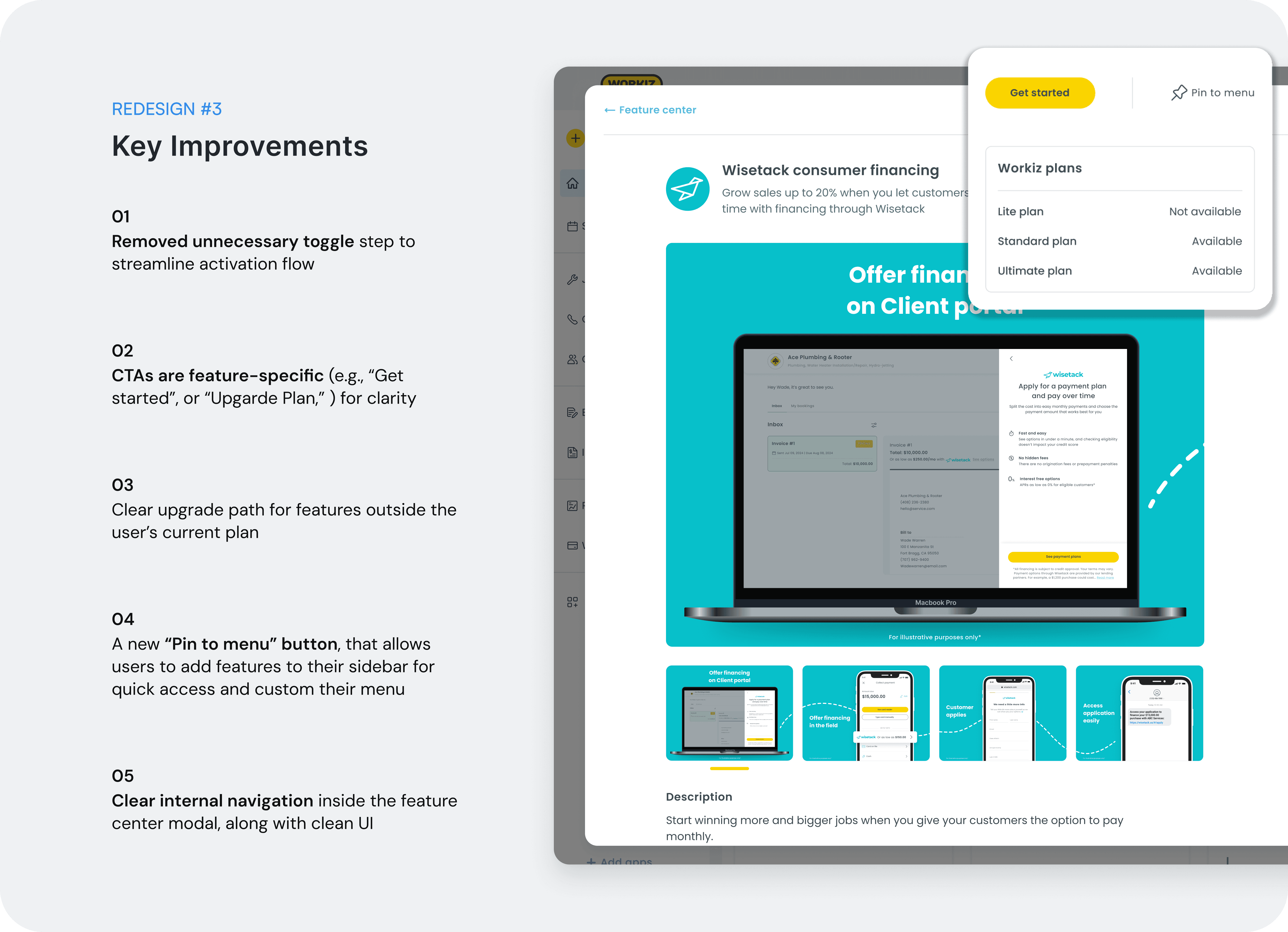
I redesigned the feature page to simplify activation and improve clarity. The new single-button flow eliminates unnecessary toggles, dynamically adapts CTAs based on the user’s plan, and introduces “Pin to Menu,” allowing users to customize their workspace with direct access to key features.
Out-of-Scope Designs
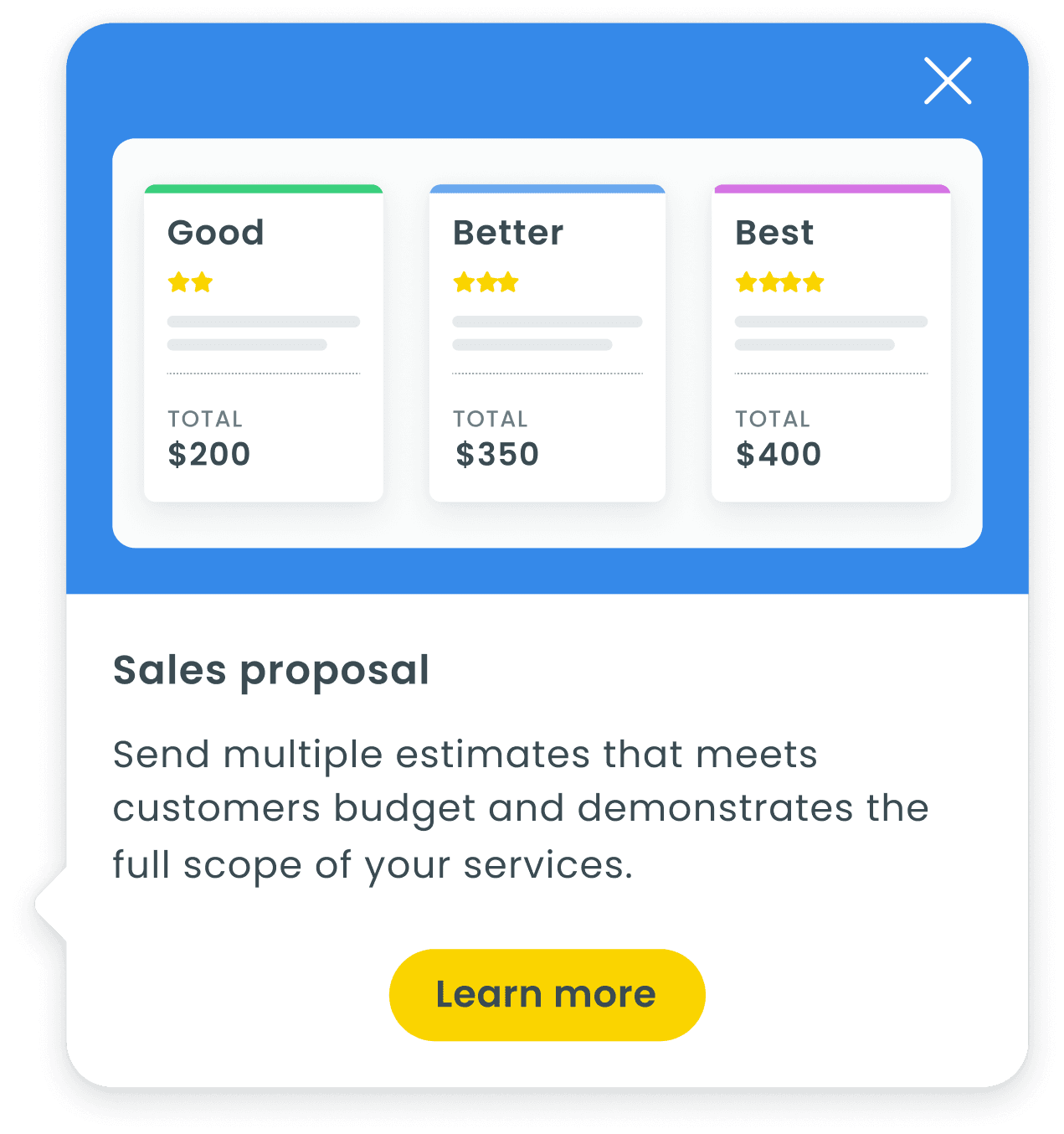
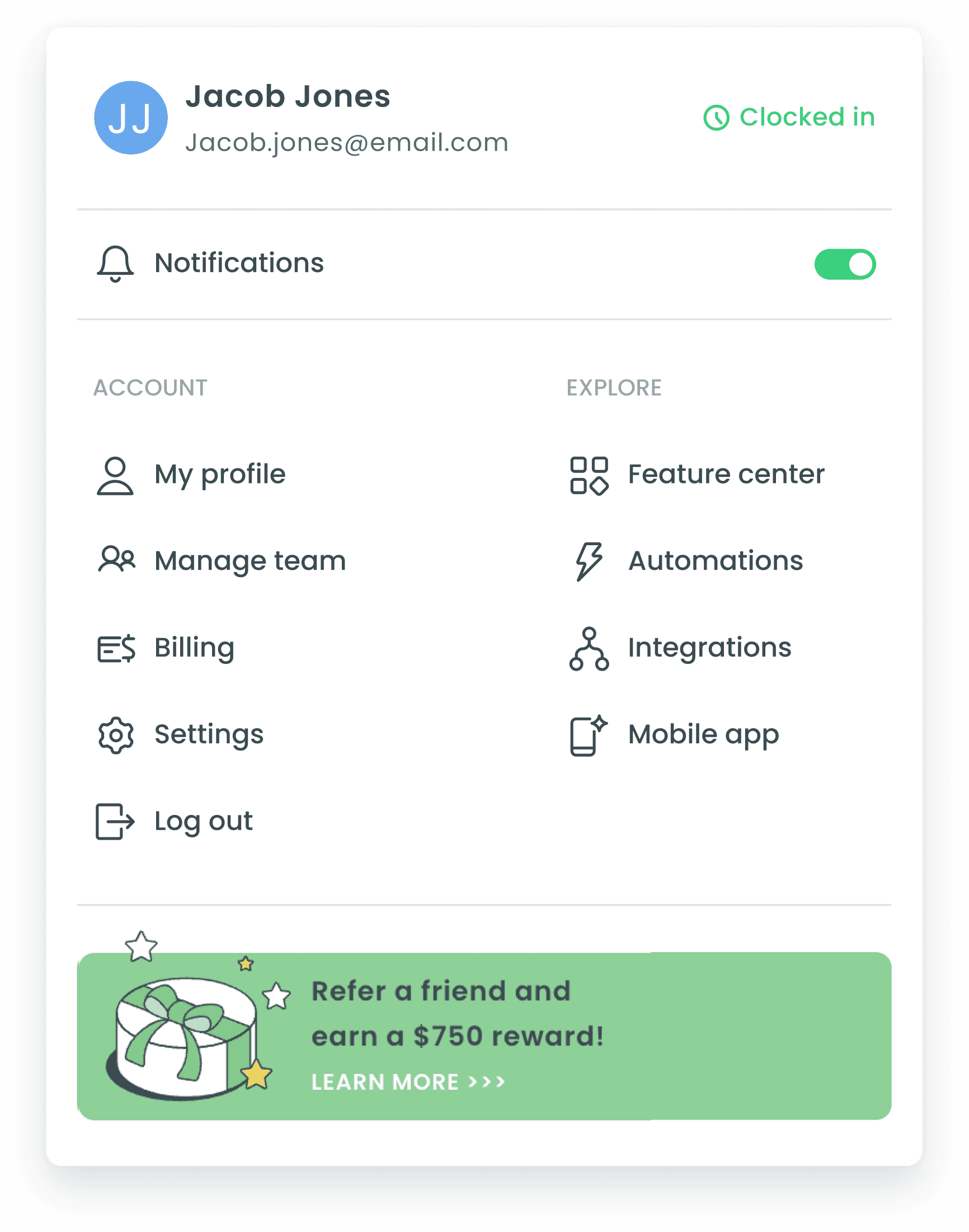
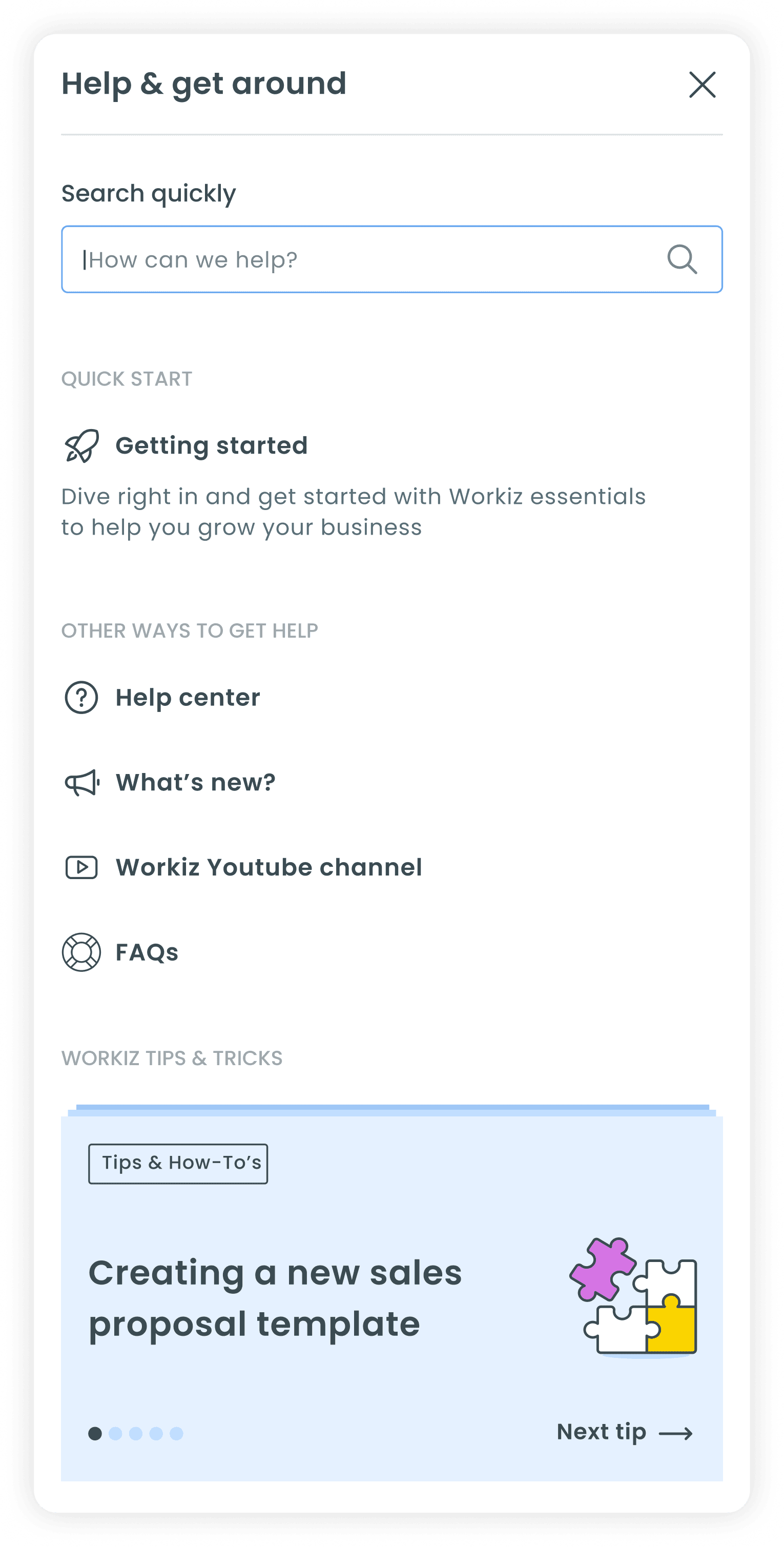
While these features didn’t make it into the final release due to scope and development limitations, they were all designed based on validated user needs and pain points uncovered in interviews and usability testing.
When we presented these ideas to users- particularly the new help sidepane, business owners expressed excitement, noting how much easier it would make onboarding new team members and addressing questions directly within the product.
other designs
01
02
03
Results
Key Results & impact
The new Feature Center significantly improved feature discoverability, user engagement, and activation rates across multiple features. Data from both analytics and internal performance tracking shows clear growth in awareness, navigation efficiency, and conversion to feature adoption.
growth
29% Increase in Feature Activations
After launch, feature activations rose significantly compared to the old marketplace - proving better discoverability and engagement.
Conversion
10% Conversion from Recommendation to Activation
“Recommended for You” personalization drove meaningful activation rates, converting exploration into real usage.
ctr
82% Click-Through from Interest to SignUp
Users who explored recommended features (like Installments) continued seamlessly to sign-up — validating the improved flow.
Experience
Improved Self-Serve Experience Across Roles
Fewer support tickets and clearer navigation made feature discovery easier for all user types, reducing friction and support load.
Discoverability
20% increase in Activations in First Weeks
Early adoption showed strong user curiosity and interaction with the new Feature Center right from release.
Engagement
Steady Month-over-Month Growth in Feature Trials
Analytics show sustained increases in “Try Premium” activations, especially among account owners and admins.
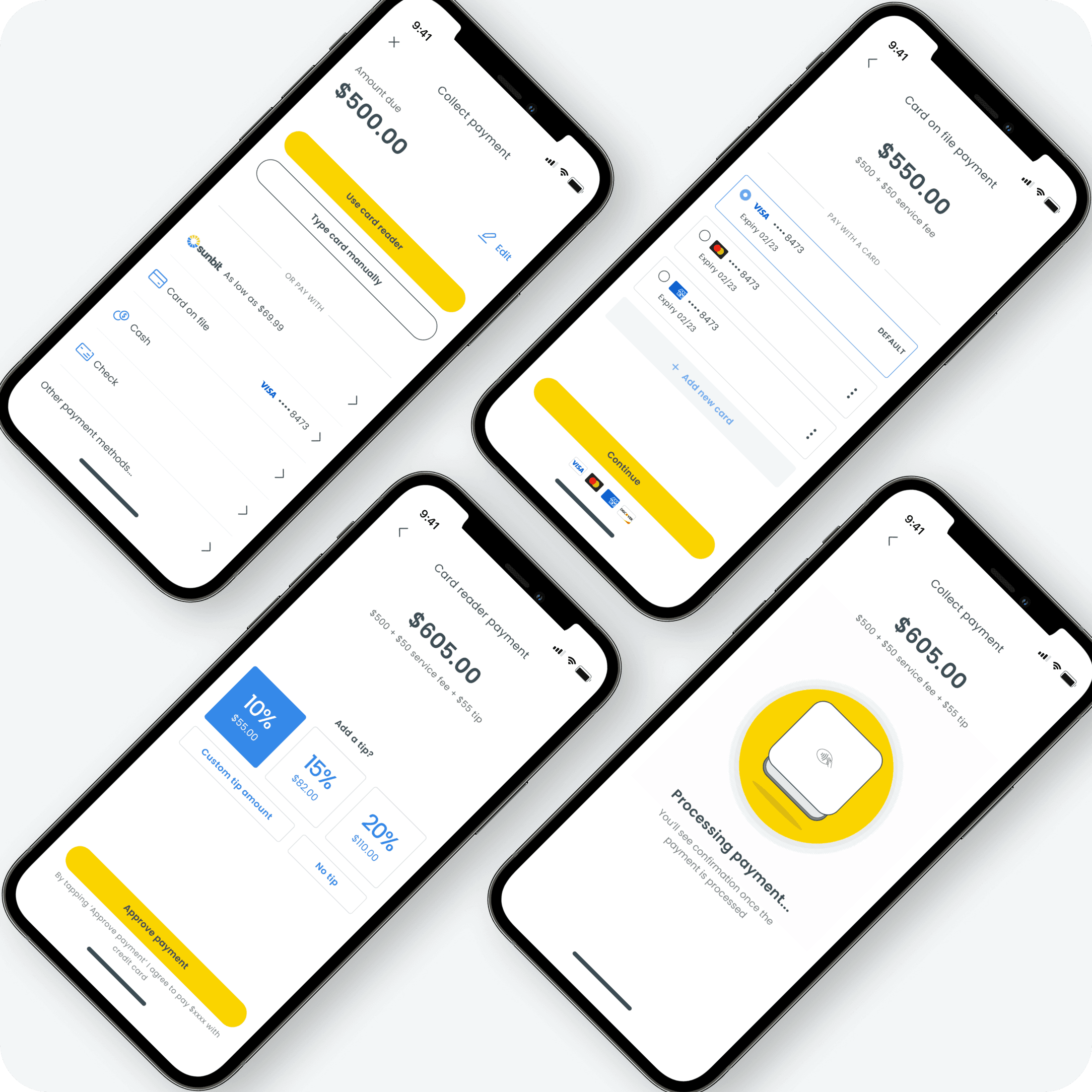
workiz
mobile tips revamp
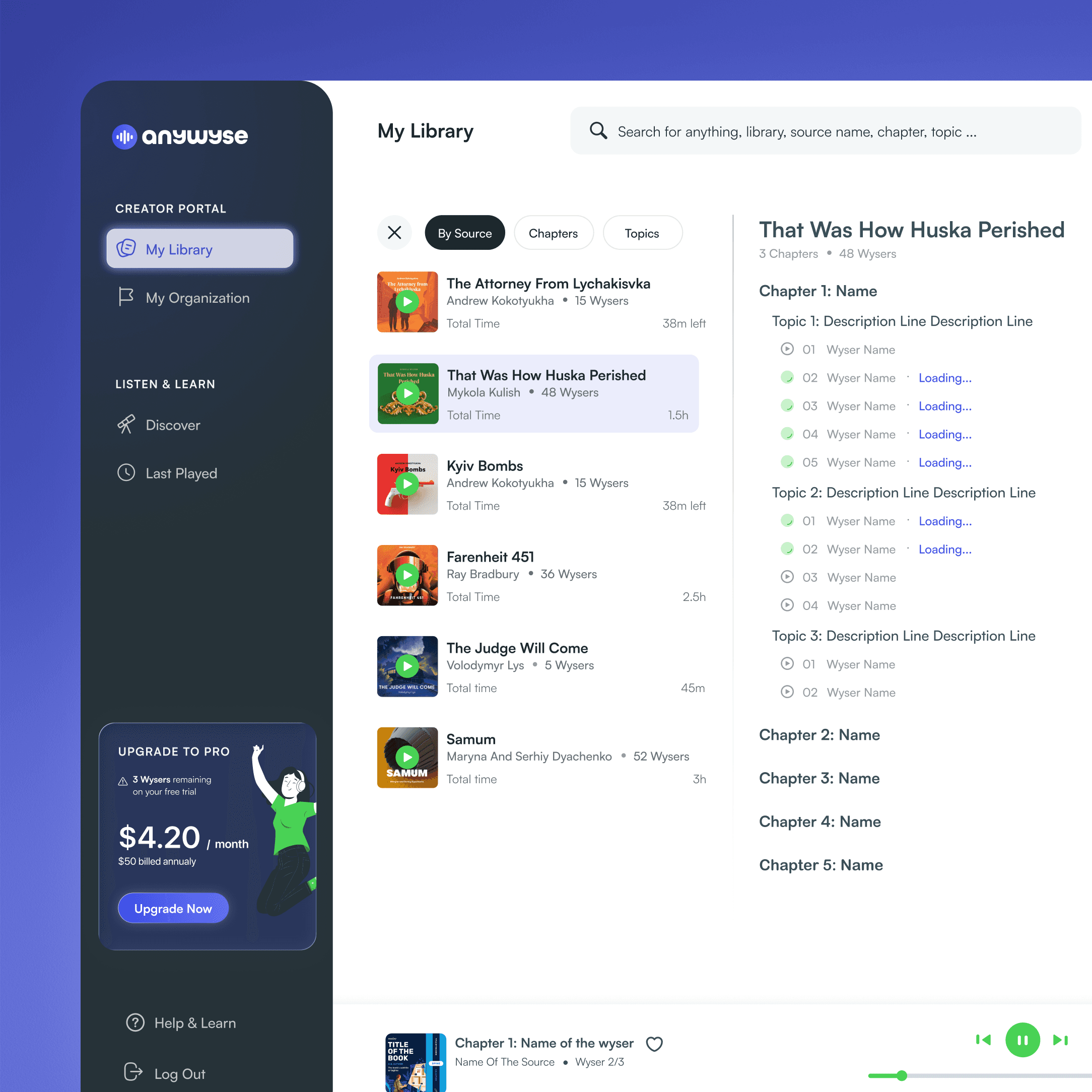
anywyse
aI audio learning platform
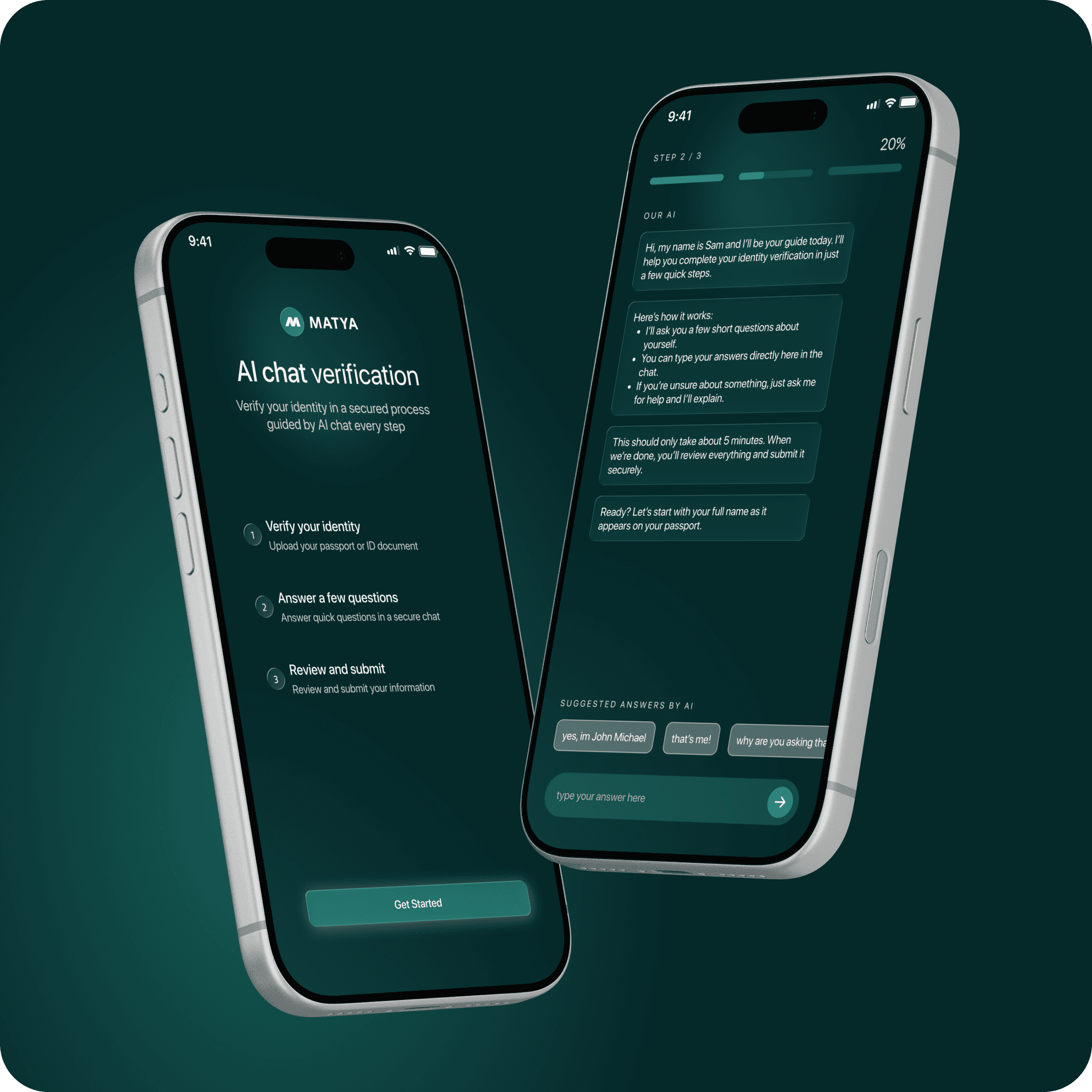
matya
AI Conversational Data Collection